A climate rule is a reusable set of climate thresholds. You define it once and apply it to any number of sensors across your sites, rooms, and collections. Instead of configuring thresholds sensor by sensor, you create a rule and assign it wherever it is needed.
This keeps your monitoring consistent, which is especially useful if you have many sensors or follow standard conservation guidelines across your institution.
Default rules
Custodian includes built-in default rules for your sensors. Default rules are always present and cannot be deleted. No configuration is needed, but you can edit it if necessary to suit your needs.
Connection alert settings are managed from a centralised view. From here you can see at a glance whether an alert will be sent when a unit goes offline, and how many people will be notified by email/SMS. This saves you from having to check each sensor individually.
Your created rules
You can create as many rules as you need. Each rule has its own set of thresholds for the metrics you want to monitor: temperature, humidity, lux, or UV. You can assign each rule to any number of specific sensors.
You can create as many active rules as you need. For example, you might have one rule for a general gallery space and a stricter one for a storage room containing sensitive objects.
Each active rule shows:
- The thresholds it monitors, displayed as a range (for example, 15 to 25 °C for temperature)
- The units currently assigned to it, with their current readings and notification status
- Tabs for Units and Notification Rules, where you view its sensors and manage notifications
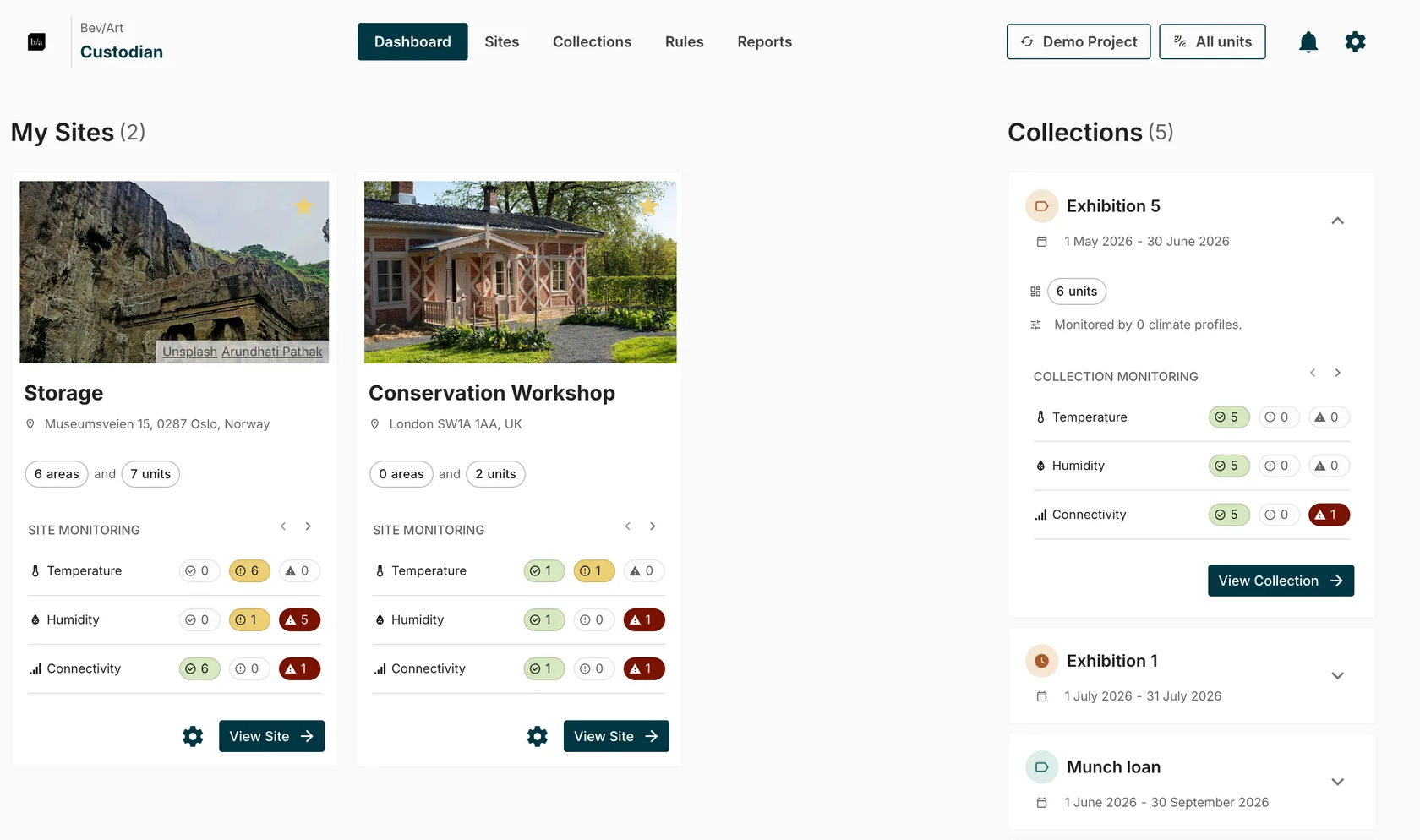
If a sensor reading falls outside the thresholds set in its assigned rule, this is reflected in the monitoring indicators across the Dashboard and Sites tab. for more details, see: Understanding the monitoring indicators.